How to use live event video for your business
How do you engage your online audience when you want to live stream an event? I’ve been streaming several live events around Boston and while I’ve been learning a lot in the process, I see one big problem.
When you organize a live event, like a workshop or presentation, it’s a ton of work to fill the room!!! If you’ve managed to attract 100 people – that’s a great success!!
The problem is that no matter how big your event, only so many people can fit in the room which limits how fast your audience can grow and keep your event sustainable.
But, what if you could take advantage of all the work you’ve done and reach an audience 10 times the size…?
Going live is a very good idea to give your event more visibility – but there are some very specific things you can do that will make it all the more appealing to your online audience. Because your online audience needs a certain kind of engagement that’s going to attract them and draw them in.
One event that I’ve been going to is called the Boston Speaker Series and it’s hosted by my friend, Kit Pang. It’s a fabulous event. It’s very interactive and for the past two years I’ve been live streaming it.
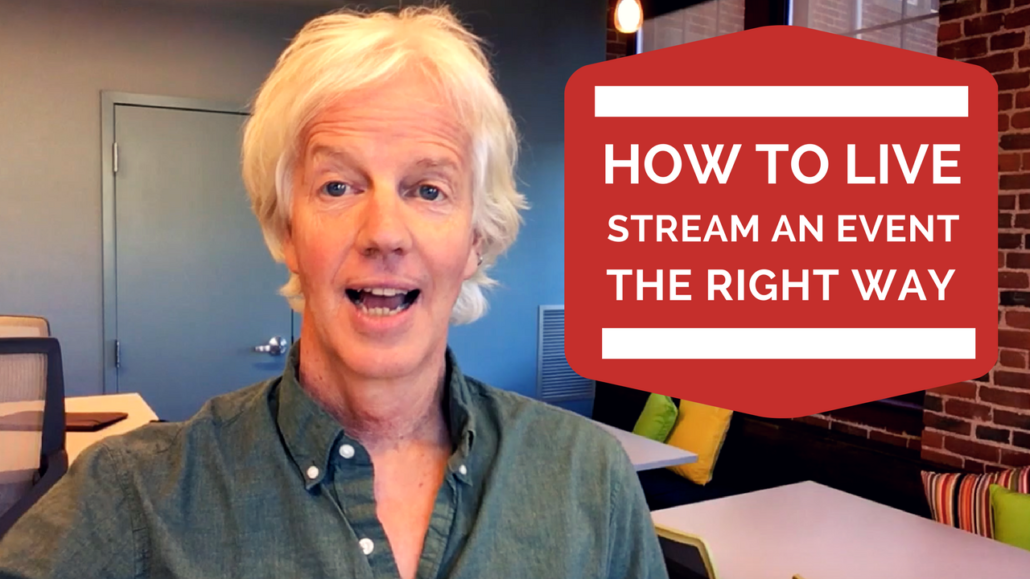
At a recent event what Kit did to attract his online viewers was to start his live stream with his phone aimed at himself on a selfie stick while he was talking to his in-real-life audience – making sure that the online viewers could see both him and the audience. He got them to practice the opening with them cheering and then he went live and had them all cheer again as the start of his live stream. (watch the video above to see how well this worked)
That’s step #1 in how to live stream an event: Do something really lively and interactive with your audience at the very start of your Facebook live so that anyone who sees it, whether they’re seeing live or seeing it on the replay, will be drawn in immediately and be caught up by this attention-getting thing that you’re doing. Plus, if you’ve done the work to get 100 people in the room, you want to share their energy and enthusiasm for your event.
The next thing that we did was that I got up in front of the group and I challenged them into seeing how many more people could we attract to the event. I told them to pull out their phones and go to Facebook – to the page where the live stream was happening (in this case, facebook.com/awesomevideomakers). Then I asked them to invite their friends to join us live by hitting the share button.
This helps in a few ways. Every person who shares the stream will have the live event showing up on their feed – which means that it can be seen by their friends! So, you’re using your audience in the room to grow your audience on Facebook. And when you are getting a lot of likes and comments Facebook rewards you by making your live stream appear to more people. Facebook loves live video and especially live video that has a lot of interaction in the form of likes and comments. So, it’s important to continue to do interactive things with your online audience – getting them to comment – all the way through your event. (note: you can do this even if you have hardly anyone watching live because people watching the replay will leave comments.
The day of the event we reached over 2,800 people and the video had over 1,000 views. So, we turned an audience of about 60 people into an audience of over 1,000. You can watch the whole video here:
When you’ve done all the work (and it’s a lot!) to create a live event don’t miss your chance to capitalize on your efforts to reach a much larger audience – who you can start engaging with.
There’s a lot to know about how how to use live video to grow your coaching business.
Are you ready to show up, share your stories and capture your crowd with video?
If you’d like to explore how you can stand out and increase your reach using video, then why don’t we set up a time to talk?
I’d like to offer you a complimentary ‘Video Branding Breakthrough’ session where we can talk about the ways you could be using video for your business and the one you should do first.